
For an order question
Include the purchaser’s name, order number and a description of the delivery or order issue.
Find practical information about the Bartifier device, required app, setup, cleaning, orders and purchase protections.
Choose a topic below or browse all frequently asked questions. If your issue is not covered, email customer support with your order details and a short description of what happened.
Browse Frequently Asked QuestionsClear answers about what Bartifier includes, how it works and what to expect after ordering.
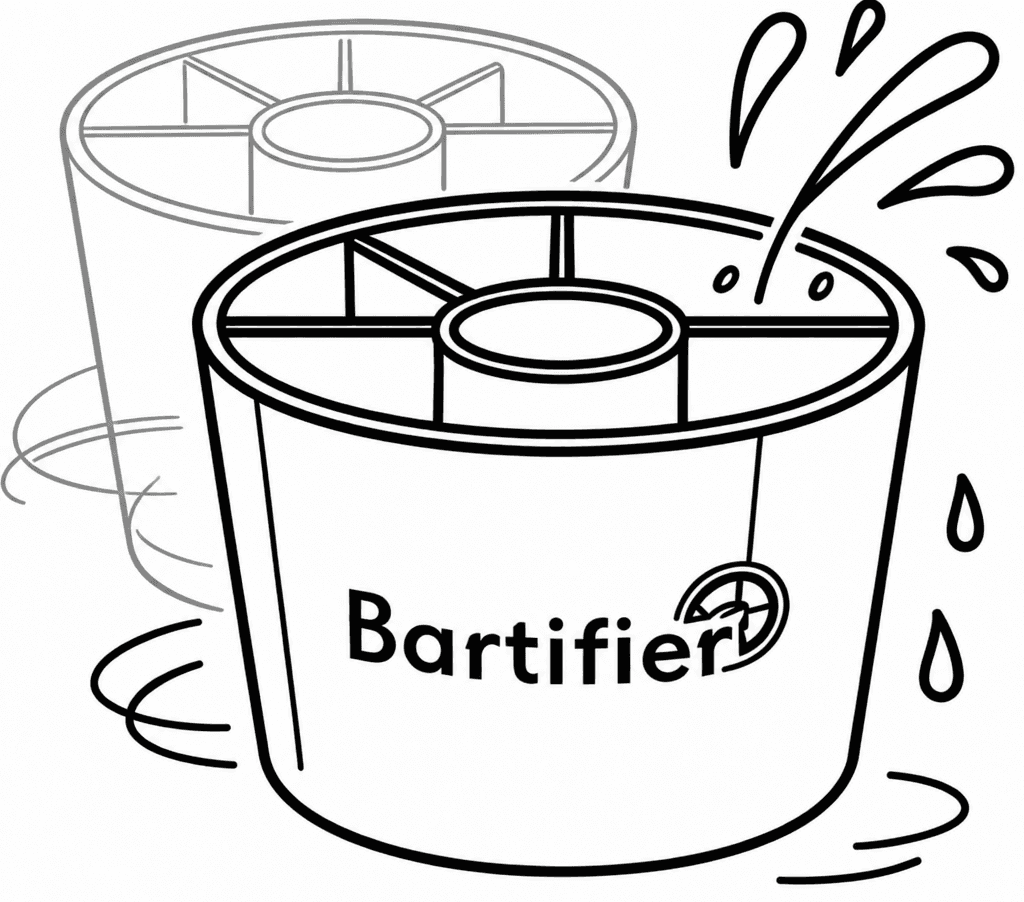
Bartifier combines a divided measuring caddy with a required mobile app. The app guides you through cocktail selection, strength, number of glasses, quantities and each pour while you make the drink yourself.
The box contains the physical Bartifier device. Access to the required mobile app is included with no ongoing app fee. Alcohol and drink ingredients are not included or sold.
You provide the spirits or alcohol, mixers, juices or soda, ice and any garnish or finishing ingredients required for your chosen drink. You may also need the shaker, container or glass shown in the app instructions.
Yes. The app provides ingredient-based suggestions, strength and glass-count choices, quantities and step-by-step visual instructions needed for proper use.
Yes. The account supports saving ingredients and preferences so the app can provide a more useful guided experience.
No. App access is included with Bartifier and there is no ongoing app fee.
The app is intended for iPhone and Android. Minimum supported operating-system versions, device restrictions and final app-store links are still to be confirmed.
Setup includes downloading the app, creating an account and entering available ingredients. An approved setup-time estimate is still to be confirmed.
No. Bartifier guides rather than automates. You fill the sections shown by the app, pour the ingredients into a shaker or container, and complete the mixing and finishing steps yourself.
The app guides 3,000+ cocktails and can surface options based on ingredients you already have.
Yes. The app allows you to choose strength and number of glasses before following the visual measuring and pouring steps.
Yes. Bartifier supports mocktails and low/no-alcohol choices as well as cocktails.
A quick rinse is usually enough and cleanup usually takes under a minute. Some parts are dishwasher-safe. The exact approved dishwasher-safe parts and placement or cycle restrictions are still to be confirmed.
The launch offer includes free US shipping. Eligible destinations, exclusions, processing time, delivery estimates, carriers and the shipment-issue procedure are still to be confirmed.
Bartifier offers returns and a money-back guarantee. The return window, guarantee wording, item-condition requirements, exclusions, return-shipping responsibility and refund timing are still to be confirmed.
Bartifier includes a 1-year warranty. The warranty start date, covered defects, exclusions, remedies and claim process are still to be confirmed.
No. Bartifier does not include or sell alcohol. Customers supply their own ingredients and should follow applicable laws, age requirements and responsible-drinking guidance.
Include enough detail for the team to understand the issue without asking you to resend basic information.
Reseller, press, influencer and bulk-gifting requests should use the Partner Inquiries page instead of the customer-support channel.
Include the purchaser’s name, order number and a description of the delivery or order issue.

Include your phone model, operating-system version and what appeared on screen.

Describe what happened and attach clear photographs when they would help explain the issue.

Shipping, returns, guarantee, warranty, privacy and sale terms are available through the policy links below.